


Give access in one place
Tick the roles a person needs in each application; the application applies them and reports back what it did.
Contralio Admin · People, departments and product access
Available
The optional management plane of the Contralio family: one list of your organization's people and departments, from which IT or HR give and remove access in Contralio CLM, Board, Vendor, Procurement, Compliance and Workplace. Every application keeps working without it.
Why it matters
Replace the access requests by email and the user lists kept per application with one place where every person's access is given, reviewed and removed.
Tick the roles a person needs in each application; the application applies them and reports back what it did.
Offboarding marks the person as left and removes their access in every connected application, with a page that shows the result per product and what they still hold there.
Admin proposes matches between its people and an application's users; you confirm each one, and from then on only permanent IDs count.
Administrator rights need a second Owner, differences between what Admin asked and what a product reports are shown as drift, and every change is in the audit log.
How it works
One management plane, six applications, with the right people deciding at each step.
Paste each application's connection code; from then on Admin and the application exchange signed messages.
Confirm the proposed matches between your people and the application's existing users, one by one.
Link your departments to the application's own, so a person's department follows them.
Tick roles per application, set an end date if needed; administrator rights wait for a second Owner.
Drift, holds and failed messages are shown; decide, regrant or send again.
Mark the leaver as left and remove their access everywhere, with their open items to hand over.
Key features
Practical tools for IT, HR and the people who audit them.
Everyone who may get access, with a permanent ID, job title, department and a status: active, suspended or left. Nobody is ever deleted; a leaver is a status. Import and export with Excel.
The organization chart up to four levels, with codes. A department keeps its ID when renamed or moved, is archived rather than deleted, and is mapped to each application's own departments.
Contralio CLM, Board, Vendor, Procurement, Compliance and Workplace, each connected with a code from the application and a connection test. Assisted mode, or locked mode where linked users change only through Admin.
An application's existing users are proposed as matches by email and confirmed by you; afterwards only IDs count, so a changed email never links the wrong person.
Each application's roles as tick boxes, licence or seat types where the application has them, an end date, and "Give access" to many people at once. No role at all is a choice of its own.
Making someone an administrator of an application needs the application's own switch and a second Owner's approval in Admin, recorded with the decision.
What an application reports is compared with what Admin asked for; differences are shown as drift to decide. A user the application deactivated goes on hold until you regrant. Failed messages can be sent again.
One step marks a leaver as left and removes their access in every connected application. The run page shows the result per product and the open items they still hold there, with an Excel export.
The access matrix, product administrators, leavers with access, undelivered removals and drift, each with Excel export, and an audit log that records every change with the old and new value.
A closer look
Real screens from Contralio Admin. Click any picture to see it full size.
People with their department, status and the applications they have access to, searchable and filterable.
A person's page shows their details and, per application, what the application reports and what Admin asked for.
Each application's page shows its users and how they are linked to your people, its departments, roles and messages.
When someone leaves, one run removes their access everywhere and reports what happened in each application.
Every person and application in one report: what the application reports and what Admin asked for.
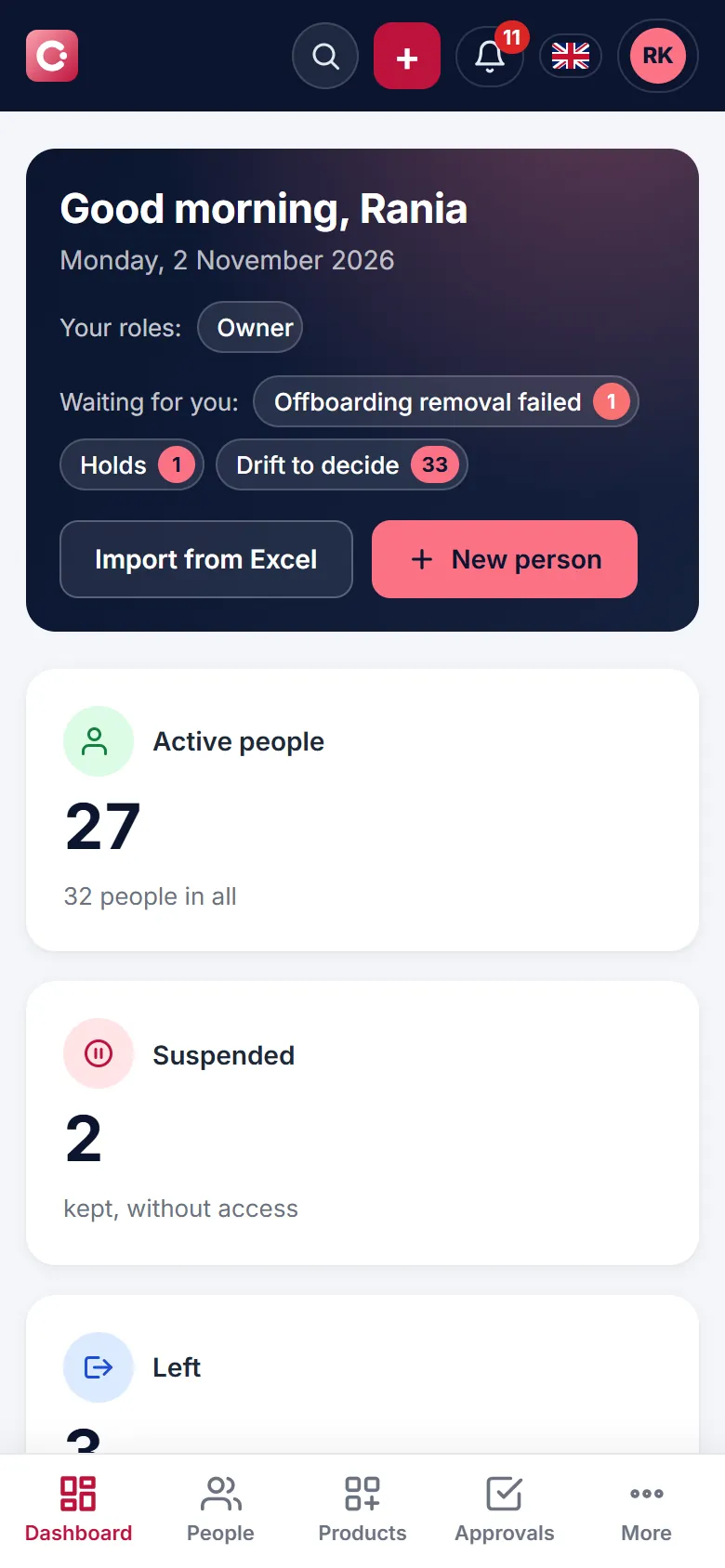
See what is waiting and decide on an access request from your phone, so a new joiner does not wait for access.
Security and control
Admin gives and removes access; it never signs people in and never reads an application's database.